
Paperless-ngx Eats Your Paperwork and Makes It More Useful Than Ever
With 43,000 GitHub stars and an imminent v3.0 release that includes an LLM-powered classifier, Paperless-ngx has become the gold standard for self-hosted document management. Here’s why your filing cabinet has no reason to exist in 2026.
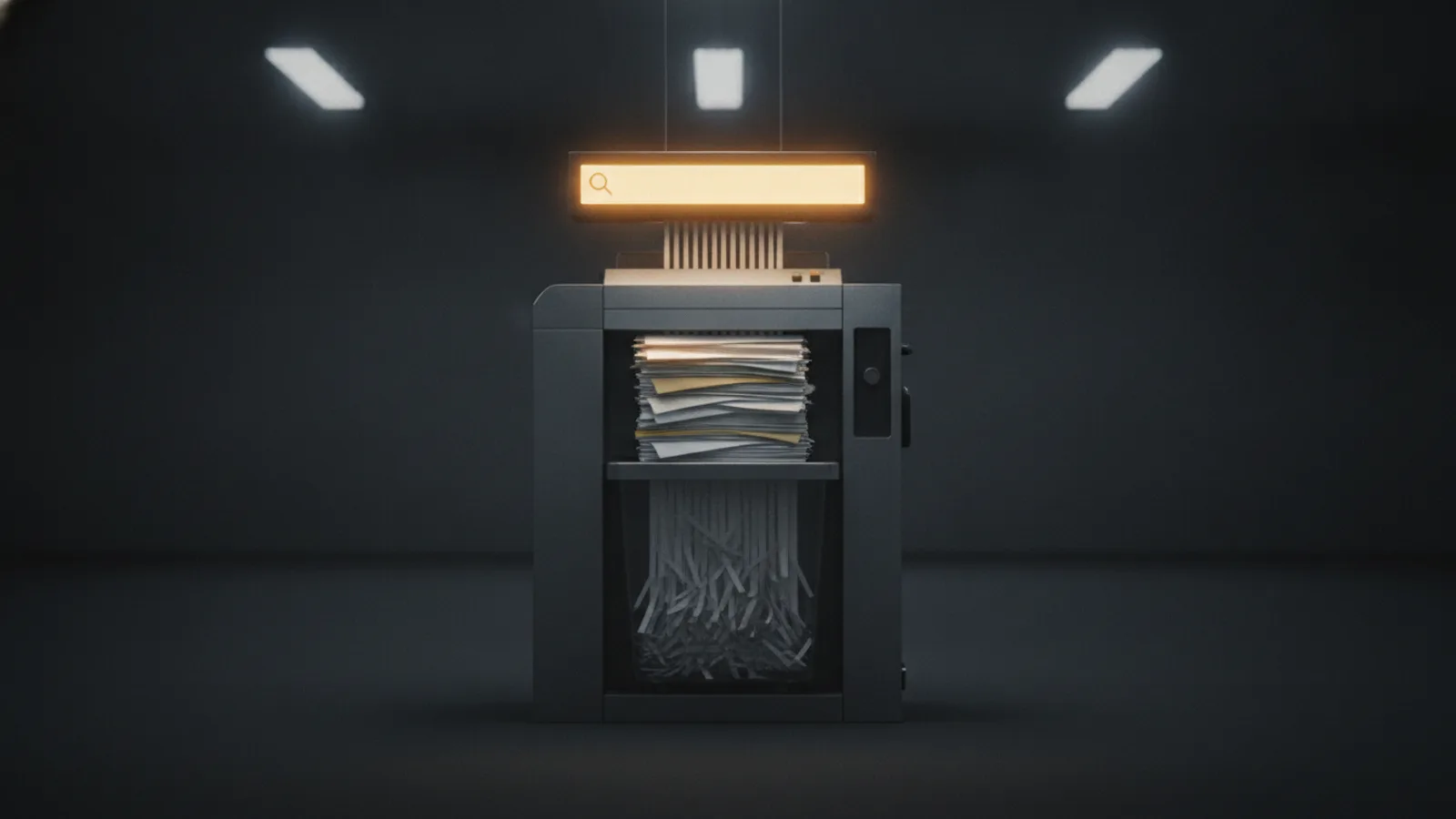
March 2026. Paperless-ngx crosses 43,000 stars on GitHub with 3,000 forks. Version 2.20.13, released on March 21, stabilizes a battle-tested codebase. But the real story is v3.0.0, which hit release candidate status a few weeks later with a LLM-powered classifier that can sort your documents without needing weeks of training data.
Meanwhile, Evernote charges $15/month for search that falls apart, Adobe Acrobat locks OCR behind a subscription, and your filing cabinet is still collecting dust. Time to stop.
What Paperless-ngx does — and what it doesn’t
Paperless-ngx is a self-hosted document management system licensed under GPL-3.0. It doesn’t just store PDFs — it consumes them, reads them, sorts them, and indexes every word. The core workflow is four steps:
- Import — drop a PDF or image into a
consumefolder, email it in, drag it onto the web UI, or hit the REST API. - OCR — Tesseract extracts text from every page. The result is stored as an invisible text layer overlaid on the original PDF.
- Classification — the ML engine automatically assigns tags, a correspondent (who sent the document), and a document type (invoice, contract, bank statement…).
- Full-text search — every word becomes queryable. Search for “home insurance 2024” and the document appears in under 200 milliseconds.
What Paperless-ngx doesn’t do: edit PDFs (use Stirling-PDF for that), e-sign documents, or handle complex multi-user validation workflows. It’s not an enterprise ECM — it’s the best personal and small-business document archiver in the self-hosted ecosystem.
Why self-hosting changes everything
Handing your bank statements, insurance contracts, and medical records to a third-party cloud isn’t harmless. Google Drive scans your files for ad targeting. Dropbox has shared data with commercial partners. And migrating 8,000 documents out of Evernote is a nightmare — their export is deliberately crippled.
With Paperless-ngx, your documents never leave your infrastructure. Storage is PDF + JSON metadata, an open format you’ll be able to read in twenty years. The built-in exporter (document_exporter) produces a complete zip archive — originals, OCR’d versions, and database. No vendor lock-in. No subscription that doubles without warning.
And the cost? Zero dollars in licensing. A $35 Raspberry Pi 4 runs it for personal use. For a household or small business with 10,000 documents, a $150 N100 mini PC or an entry-level Synology NAS is more than enough.
The Docker Compose that eats everything
The install is three Docker services — the minimum viable stack, and it already runs on a 2 GB RAM server:
services:
  paperless:
    image: ghcr.io/paperless-ngx/paperless-ngx:2.20.13
    container_name: paperless
    restart: unless-stopped
    ports:
      - "8000:8000"
    environment:
      PAPERLESS_REDIS: "redis://paperless_redis:6379"
      PAPERLESS_DBHOST: "paperless_db"
      PAPERLESS_DBNAME: "paperless"
      PAPERLESS_DBUSER: "paperless"
      PAPERLESS_DBPASS: "change_this"
      PAPERLESS_SECRET_KEY: "change_this_to_a_long_random_string"
      PAPERLESS_URL: "https://docs.yourdomain.com"
      PAPERLESS_TIME_ZONE: "America/New_York"
      PAPERLESS_OCR_LANGUAGE: "eng"
      PAPERLESS_ADMIN_USER: "admin"
      PAPERLESS_ADMIN_PASSWORD: "change_this"
      PAPERLESS_ADMIN_MAIL: "[email protected]"
    volumes:
      - paperless_data:/usr/src/paperless/data
      - paperless_media:/usr/src/paperless/media
      - paperless_export:/usr/src/paperless/export
      - ./consume:/usr/src/paperless/consume
    depends_on:
      paperless_db:
        condition: service_healthy
      paperless_redis:
        condition: service_healthy

  paperless_db:
    image: postgres:16-alpine
    container_name: paperless_db
    restart: unless-stopped
    environment:
      POSTGRES_USER: paperless
      POSTGRES_PASSWORD: change_this
      POSTGRES_DB: paperless
    volumes:
      - paperless_pgdata:/var/lib/postgresql/data
    healthcheck:
      test: ["CMD-SHELL", "pg_isready -U paperless"]
      interval: 10s
      timeout: 5s
      retries: 5

  paperless_redis:
    image: redis:7-alpine
    container_name: paperless_redis
    restart: unless-stopped
    volumes:
      - paperless_redis:/data
    healthcheck:
      test: ["CMD", "redis-cli", "ping"]
      interval: 10s
      timeout: 5s
      retries: 5

volumes:
  paperless_data:
  paperless_media:
  paperless_export:
  paperless_pgdata:
  paperless_redis:
Three commands to start:
mkdir -p consume
docker compose up -d
Thirty seconds later, the interface is live at http://localhost:8000. For HTTPS, put a reverse proxy (Nginx, Caddy, Traefik) in front and update PAPERLESS_URL.
If you handle Office files (.docx, .xlsx, .odt), add Tika and Gotenberg to the Compose — two extra containers that convert these formats to PDF before OCR. The official install script offers the option in one question: bash -c "$(curl -L https://raw.githubusercontent.com/paperless-ngx/paperless-ngx/main/install-paperless-ngx.sh)".
What makes the automation real
Paperless-ngx’s promise is that you sort once, the software sorts the rest. The reality rests on three mechanics:
Correspondents. Every document links to a sender: “Amex”, “IRS”, “Landlord”. After 20 to 30 documents classified manually, the ML classifier starts suggesting the right correspondent for each new document. In production, the hit rate exceeds 95% for recurring correspondents.
Tags. Unlike folders, a document can carry multiple tags — “Banking” + “2025” + “Taxes”. Combinatorial search (tag:taxes tag:2025) replaces folder hierarchies you can never find three months later.
Consumption rules. As soon as a document lands in the consume folder, a set of deterministic rules can apply tags, correspondent, and document type based on its filename, email source, or text content. Example: any file whose name contains AMEX_ automatically gets the Finance tag and Amex as correspondent.
For deeper automation, the REST API lets you integrate Paperless-ngx with n8n, Node-RED, or Home Assistant. A concrete workflow: scan a receipt with the Swift Paperless iOS app → auto-import → the Expenses tag is applied → a ntfy push notification reminds you to file it.
v3.0 and the LLM classifier: what’s coming
Paperless-ngx v3.0.0, which entered release candidate in late March 2026, introduces an optional LLM-based classifier. Where the classic ML classifier needs progressive training (dozens of manually tagged documents), the LLM classifier can categorize a document on first import, using semantic understanding of the content.
In practice, you configure an OpenAI API key or a local Ollama endpoint, and Paperless-ngx queries the model to determine tags, correspondent, and document type. Everything remains optional: the classic ML classifier keeps running, and both can coexist — LLM for new document types, ML for well-trained correspondents.
This evolution eliminates the main adoption friction: cold start. Before v3.0, the first weeks demanded manual classification effort. With the LLM, you can dump 500 documents at once and get meaningful classification immediately.
What you need to know before diving in
RAM. At idle, Paperless-ngx uses ~300 MB. During OCR, each worker can spike to 1-2 GB. On a 2 GB machine, keep PAPERLESS_TASK_WORKERS at 1. On 4 GB, push it to 2.
CPU. OCR is CPU-bound. An Intel N100 processes roughly 30 pages per minute. A Ryzen 5 does 100+. Your first bulk import (1,000 documents) will take a few hours on a small processor — that’s normal, processing is asynchronous and the service stays usable during OCR.
Storage. Budget 2-5 MB per document (original + OCR’d version + thumbnail). For 10,000 documents, plan for 50 GB of storage. An SSD is recommended — full-text search directly benefits from fast disk latency.
Scanners and mobile apps. Paperless-ngx has no native scanner integration — it watches a folder, not a device. Any scanner that outputs PDF or image files works. Brother ADS series (ADS-1700W, ADS-2700W) and Fujitsu ScanSnap models (iX1600, iX1400) are popular because they scan directly to network folders. On mobile, Swift Paperless (iOS) provides a native scanning and upload experience, while the web UI is fully responsive for quick searches on any phone.
Backups. Non-negotiable. Paperless-ngx includes a built-in exporter (docker compose exec paperless document_exporter ../export --zip) that produces a complete archive. Also dump PostgreSQL separately: docker compose exec paperless_db pg_dump -U paperless paperless > backup.sql. Combine with off-site backup (B2, rsync.net) following the 3-2-1 rule.
Verdict
Paperless-ngx is the only rational choice for self-hosted document management in 2026. Alternatives exist — Docspell (Scala, harder to deploy), Teedy (more team-workflow oriented), Mayan EDMS (heavier, more enterprise) — but none match the same level of maturity, community, and operational simplicity.
If you have fewer than 500 documents, deploy on a Raspberry Pi 4 with 4 GB RAM, enable the LLM classifier once v3.0 ships, and you’ll barely need to tag anything manually. If you manage a household or small business with 5,000 to 15,000 documents, grab an N100 or NAS with 8 GB RAM, add Tika+Gotenberg for Office files, and configure email consumption rules so your invoices import themselves.
Don’t wait for v3.0 stable to start. v2.20.13 already does 95% of the job. Import your first hundred documents this weekend — six months from now, you’ll wonder how you ever lived without it.
References
- Paperless-ngx Documentation — official docs
- Paperless-ngx GitHub — 43,000 stars, 3,000 forks, GPL-3.0
- Self-Host Paperless-ngx with Docker — selfhosting.sh — detailed guide, updated March 2026
- Paperless-ngx Setup Guide (2026) — Mustafa.net — real-world experience with 8,000 documents
- Paperless-ngx: Scan and Digitize Your Documents — noted.lol — overview and iOS tips
- Complete Guide to Paperless-ngx — PiStack — comparison with DocuWare, SharePoint, Nextcloud