
versitygw Turns a Filesystem Into an S3 Server With a Single Binary
Versity’s S3 gateway, a stateless Apache-2.0 Go binary, exposes any POSIX storage behind the S3 API without deploying MinIO or Ceph. Self-hosters who want to point Restic, rclone, or Velero at their NAS get a bridge that is lighter than a full object store.
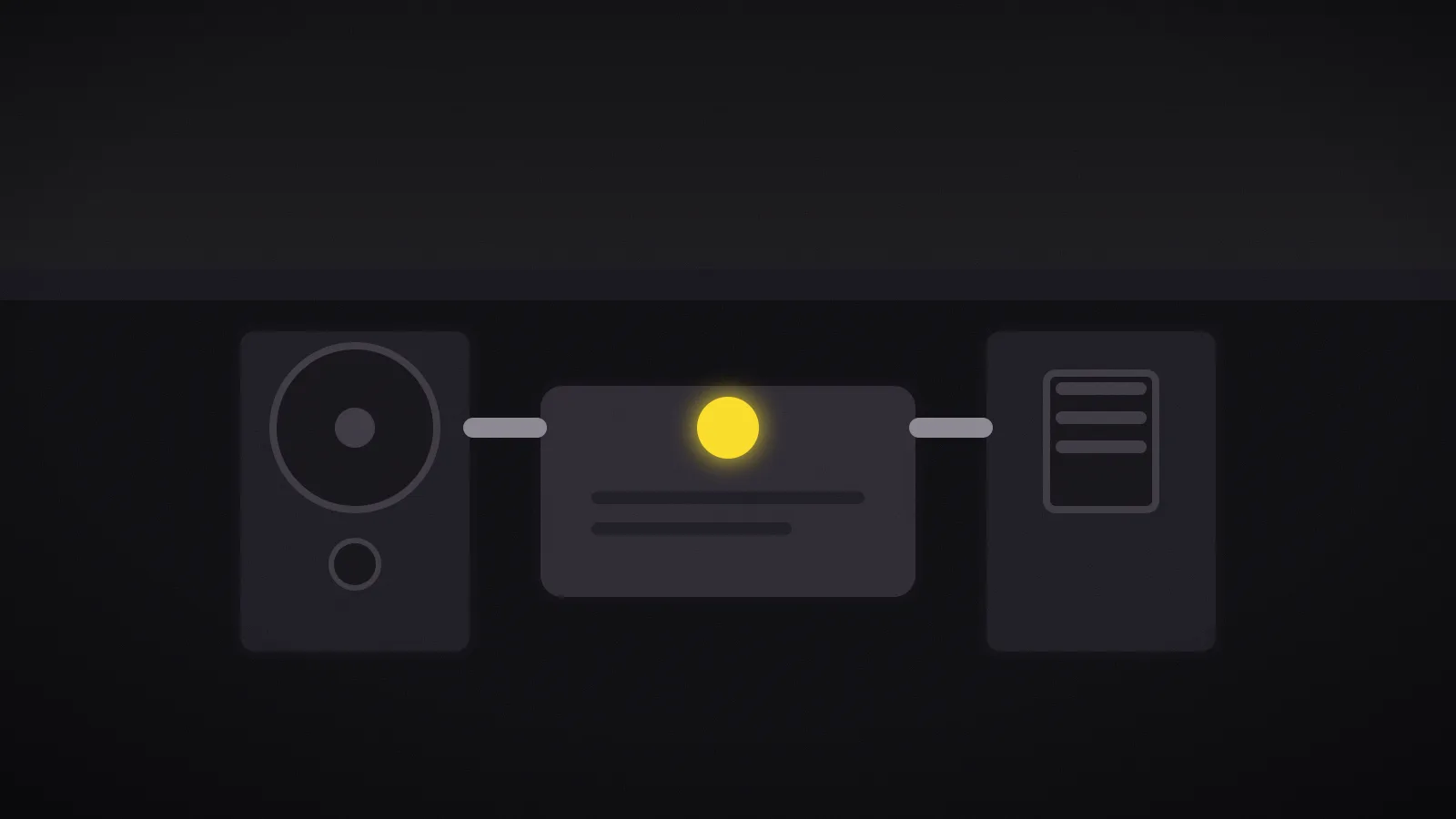
Week of September 11–18, 2026. The Versity S3 Gateway — versitygw — is showing up on the self-hosting radar: a stateless Go binary under the Apache-2.0 license that translates the S3 API onto a POSIX filesystem, ScoutFS, Azure Blob, or another S3 server. Why it matters: the S3 API has become the lingua franca of storage, and this gateway avoids deploying a full object store just to plug in a tool that speaks S3.
The S3 API became the universal protocol
Look at your own toolbox: Restic, rclone, Velero, Duplicati, Kopia — the most widespread backup and sync tools all speak S3. The result is a strange state of affairs: object-oriented tools have displaced file-oriented ones, even though most homelabs still store data on plain POSIX filesystems.
The classic answer is to run MinIO, or even Ceph, to provide a real S3 API on top of that storage. That is powerful, but it is one more piece of infrastructure to maintain: deployment, upgrades, monitoring, and a larger attack surface. versitygw offers the opposite: inline translation between S3 object commands and the storage you already have, without changing that storage.
What the gateway does, precisely
versitygw is an S3 server that intercepts S3 requests and converts them into backend operations. The project claims four use cases: turn a local filesystem into an S3 server with a single command, proxy S3 requests to other S3 storage, provide posix protocol compatibility — the same files are reachable via POSIX or S3 — and offer a simplified interface for adding new backends.
The decisive feature is the posix mode: objects written by an S3 client remain readable as plain files, and vice versa. A shared NFS directory or a local disk can therefore be consumed by both a shell script and an S3 tool like rclone, with no duplication. Deployment is a single command:
mkdir /tmp/vgw /tmp/vers
ROOT_ACCESS_KEY="testuser" ROOT_SECRET_KEY="secret" \
  ./versitygw --port :10000 --iam-dir /tmp/vgw \
  posix --versioning-dir /tmp/vers /tmp/vgw
This mounts an S3 server on port 10000, hosts the /tmp/vgw directory, keeps older object versions in /tmp/vers, and enables simple flat-file IAM accounts via --iam-dir.
One binary, but not a toy
Do not confuse “simple to deploy” with “minimal.” versitygw ships an optional administration and exploration WebGUI, S3 Select, metrics, event notifications, and multipart upload. Two features stand out for heavy workloads:
- S3 over RDMA: through vgwrdma, the gateway exposes the S3 API accelerated by the NVIDIA cuObject protocol (GPUDirect Storage), bypassing the kernel network stack. It is aimed at HPC and data-intensive jobs rather than a home NAS — but the building block exists and signals the project’s ambition.
- Static website hosting: a bucket can be served as a website with an index document, custom error pages, and virtual-host routing.
On robustness, the project is explicit: every pull request must pass a full test suite before review, including Go unit tests, multi-backend integration scripts, end-to-end functional tests through the AWS SDK, system validation with AWS CLI, s3cmd, and curl, plus staticcheck analysis. Code review is human — LLMs may assist but never decide alone. It ships as binaries for Linux, macOS, BSD, and Windows (amd64/arm64), plus a Docker image and a Helm chart.
Stateless: the real trump card
The architecture is fully stateless. Multiple versitygw instances can run in a cluster behind a load balancer: any instance can serve any request, so aggregate throughput scales by adding nodes with no state coordination. That is what separates a translation gateway from an object store: versitygw stores nothing, it translates.
The practical consequence matters for self-hosting. Adding the S3 API to existing storage should not double your operational surface; with a stateless gateway you add a disposable process, not a storage system to administer. If the gateway dies, you launch another one — the data stays in the filesystem.
versitygw vs MinIO
The obvious question: why not just install MinIO? The answer is architectural. MinIO is a full object store — it owns its metadata, its erasure coding, its lifecycle policies, and its multi-tenant IAM. versitygw is a translator: it stores nothing, it exposes existing files behind the S3 API.
The practical consequence is that if your data already lives on a filesystem — a ZFS pool, an NFS volume, a local disk — versitygw makes it reachable over S3 with no migration and no duplication. MinIO, by contrast, needs to be the authority over its volumes. A Docker deployment fits in a few lines:
docker run --rm -p 10000:10000 \
  -e ROOT_ACCESS_KEY=testuser \
  -e ROOT_SECRET_KEY=secret \
  -v /srv/data:/data \
  versity/versitygw:latest --port :10000 posix /data
The trade-off matches the simplicity. versitygw offers neither erasure coding nor the rich lifecycle of MinIO; it leans on the underlying filesystem for redundancy and durability. For a homelab or a small fleet, that is often exactly right: ZFS’s robustness for the data, the S3 API for interoperability, and nothing extra to operate.
POSIX readability is the other argument. With MinIO, objects are locked in an internal format; with versitygw in posix mode, every object remains a file you can read with ls, grep, or an editor. That is a real debugging comfort when a backup has to be inspected by hand at three in the morning. Finally, the license is a signal: Apache-2.0 for the core, with no commercial-use restriction — which removes the open-core pivot risk that has hit other projects in the space.
None of this makes versitygw a drop-in replacement for MinIO at scale. The gateway adds a hop and translates semantics rather than implementing them natively, so features that depend on deep object semantics — encryption at rest, object lock for immutability, fine-grained bucket policies — will be partial or absent. The right mental model is a compatibility layer, not a storage engine: choose it when the API matters more than the object semantics, and choose an object store when the opposite is true. On the security side, the --iam-dir mode provides flat-file IAM accounts for simple deployments; for serious multi-tenancy the gateway leans on OIDC and the wider S3 auth ecosystem. The one hard rule remains unchanged: never expose the S3 port to the internet without TLS, which the binary supports natively. In a homelab, the safer pattern is to keep it bound to a private network and route external tools through a VPN or reverse proxy.
Verdict
If you want to point Restic, rclone, or Velero at POSIX storage you already own, deploy versitygw: one binary, one command, and your S3 tools talk to your files without hosting a full object store. If you need true object semantics — lifecycle policies, erasure coding, large-scale multi-tenant IAM, heavy versioning — stay on MinIO or Ceph, which do that work in depth. If you are proxying S3 to another S3 or need an RDMA path for HPC, versitygw deserves a serious test: its stateless architecture and test suite make it a credible candidate, not a weekend project.