
A zero-day turns Muse, Meta’s AI assistant, into a macOS backdoor
On September 22, 2026, researcher Patrick Wardle showed that an undocumented setting in Muse, Meta’s AI assistant, lets a simple local command redirect voice dictation and steal the account authentication token. Cut back the permissions you grant AI agents and wait for Meta’s fix before deploying new ones.
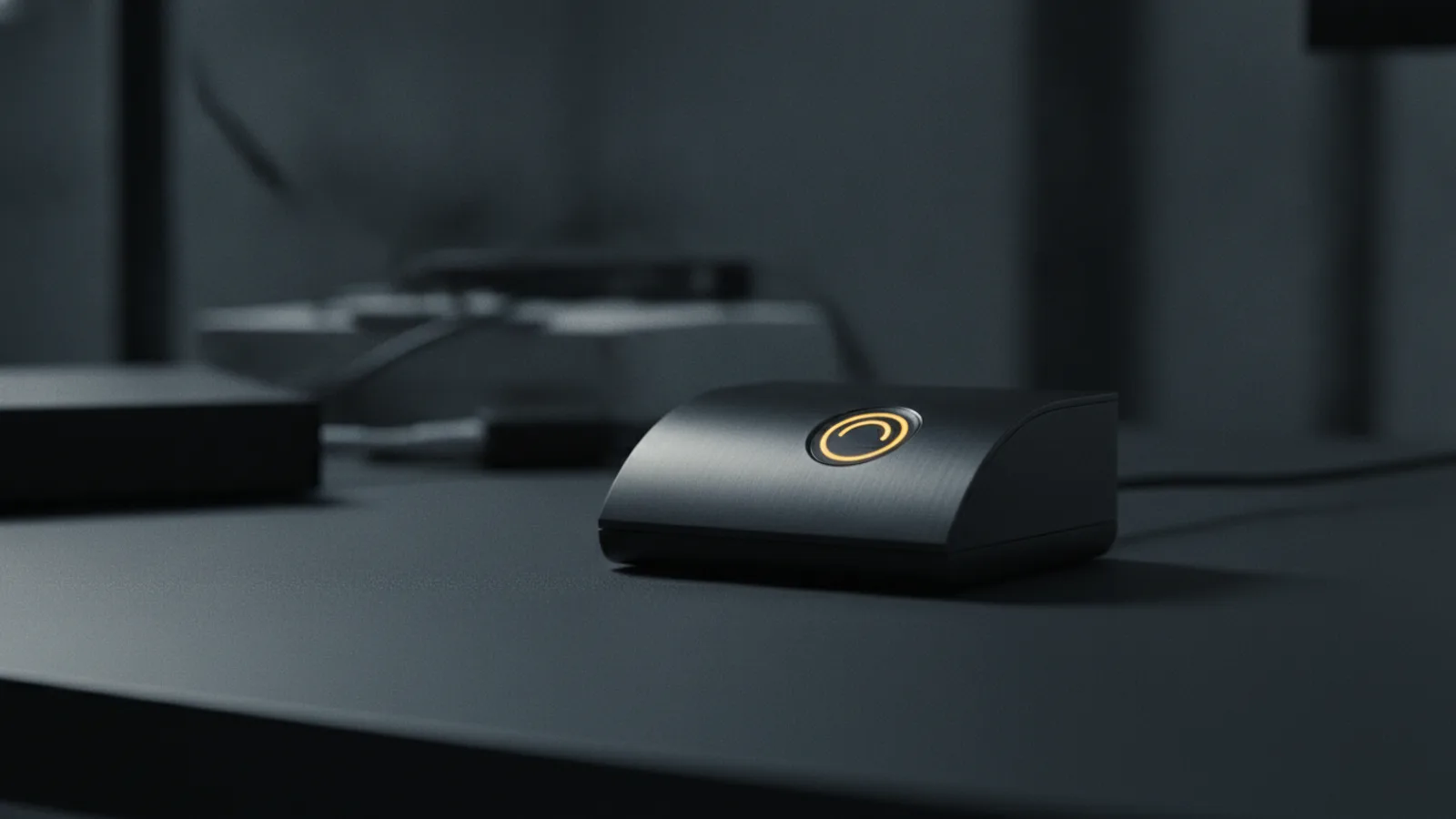
September 22, 2026. Researcher Patrick Wardle discloses a zero-day in Muse, Meta’s AI assistant. “The ultimate backdoor.” His verdict, with no hedging. “Built from the ground up for privacy and security.” The promise Meta made for Muse. Why it matters: AI assistants no longer just answer questions — they act, connect to accounts, and hold system permissions, and that is precisely the surface that turns against the user.
Muse is Meta’s assistant, built to handle appointments, forms, purchases, documents, and connections to WhatsApp, email, calendars, and social platforms. On macOS, it can receive permissions to access files, the microphone, the camera, location, and calendars. In other words, Muse is not just another app: it is an agent that concentrates access to multiple services and protected system resources behind one already-authenticated interface.
An undocumented setting that flips dictation
The flaw Wardle described comes down to one sentence. A locally running application — or a plain terminal command — can modify an undocumented configuration setting in Muse that controls the dictation transcription server. By redirecting that dictation traffic to an attacker-controlled server, an attacker can capture voice prompts and, more importantly, obtain the authentication token for the victim’s Muse account.
The decisive point is the nature of the bug. It is not a remote-code-execution vulnerability that would compromise a clean Mac from outside. The attacker first needs a way to run code locally — a malware infection, a malicious application, or social engineering. But as the infostealer campaigns now targeting macOS have shown, that first step is far from impossible.
Why an agent becomes “the ultimate backdoor”
The phrase Wardle chose is not hyperbole. A conventional infostealer must locate browser credentials, documents, chat histories, and everything else on its own. A compromised AI agent lowers that bar: it bundles access to multiple services and operating-system permissions behind one already-authenticated interface. Stealing the authentication token does not yield a file — it yields the account, with its connections and permissions.
Meta’s privacy promise makes the contrast sharper. Muse was presented as an assistant built “from the ground up for privacy and security.” Yet the existence of an undocumented setting, changeable by a simple local command, contradicts that posture. The flaw is not an isolated encryption defect: it sits in the permission architecture of an agent that must be able to act on the user’s behalf, and thereby becomes a target.
OWASP, the foundation behind application-security guidance, lists among the top risks of AI agents prompt injection, tool abuse, privilege escalation, data exfiltration, excessive autonomy, memory poisoning, and sensitive-data exposure. The Muse case checks several boxes on its own.
What this says about AI agents
The Muse bug exposes a maturity gap. Ordinary applications spent years learning least privilege: you grant a program only what it needs. AI agents, by contrast, receive bundles of permissions up front — files, microphone, camera, calendars, accounts — because that is what makes them useful. Security in that model rests on trusting that the agent will obey only its owner. Wardle just showed that trust can be bypassed by a setting nobody knew about.
The lesson is not “uninstall every agent.” It is that agents must be held to a higher security standard than ordinary apps, precisely because they hold more. An agent should not be able to turn an untrusted instruction into a sensitive action without meaningful checks, and it should never receive more access than the task requires.
What you should do
Wardle’s advice is two words: “Please don’t install.” As it stands, the safest course is to avoid installing Muse until Meta fixes the offending setting and documents its permission model.
The same caution applies to other AI agents. In practice, that means a few habits. Do not grant a new agent simultaneous access to email, calendars, cloud storage, payment methods, and device permissions. Regularly review the connections an agent no longer justifies. Beware prompt injection: an agent will not necessarily recognize a malicious instruction embedded in a webpage, document, or email. Watch for unusual behavior — requests for new permissions, unexpected reauthentication, outbound file sharing, or actions you did not initiate.
# On macOS, list the TCC permissions granted to an app (e.g. Muse)
# The TCC framework stores grants in the user's database:
sqlite3 ~/Library/Application\ Support/com.apple.TCC/TCC.db \
  "SELECT client, service FROM access WHERE client LIKE '%Muse%';"
And, as ever, keep the system updated and run up-to-date anti-malware protection to block the local execution this zero-day depends on.
TCC and token: why the combination is so dangerous
To grasp the severity of the bug, it helps to understand what macOS protects, and what it does not. The TCC permission system (Transparency, Consent, and Control) governs access to files, the microphone, the camera, location, and calendars. When a user grants Muse access to the microphone or calendars, that grant is recorded in the TCC database, and the system thereafter treats the app as legitimate for those resources.
The zero-day circumvents this model in a precise way. It does not try to escalate permissions — it diverts a setting that drives the dictation transcription server. Once that server is pointed at an attacker-controlled machine, everything the user says to Muse — including potentially sensitive content — passes through the attacker. And because Muse is authenticated to Meta, the associated authentication token hands the attacker access to the account, with its connections and permissions, without ever stealing a password.
The security lesson is structural. The TCC model protects access to resources, but it assumes the app itself stays loyal to its owner. An AI agent that acts on the user’s behalf, connected to a dozen services, concentrates so much capability behind one authentication that a single diverted setting is enough to flip it. That is exactly the risk OWASP files under excessive autonomy and sensitive-data exposure.
Verdict
The Muse zero-day is not a remote compromise, but it is a structural warning. If you use or plan to use Muse on macOS, do not install it until Meta fixes the undocumented setting and publishes a clear permission model. If you deploy AI agents in an enterprise, apply the least privilege you demand of your other software, audit their connections, and treat any excessive permission as attack surface. An assistant that can do everything on its owner’s behalf is, by design, the most profitable backdoor an attacker could hope for.