
Aurora MySQL 8.4.8 adds delayed replication to survive an accidental DROP TABLE
Aurora MySQL 8.4.8, available in early September 2026, adds delayed replication: a replica deliberately applies each change with a configurable lag, making it the only copy that does not reproduce an accidental DROP TABLE or DELETE. Configure it by stored procedure and write the recovery runbook before you need it.
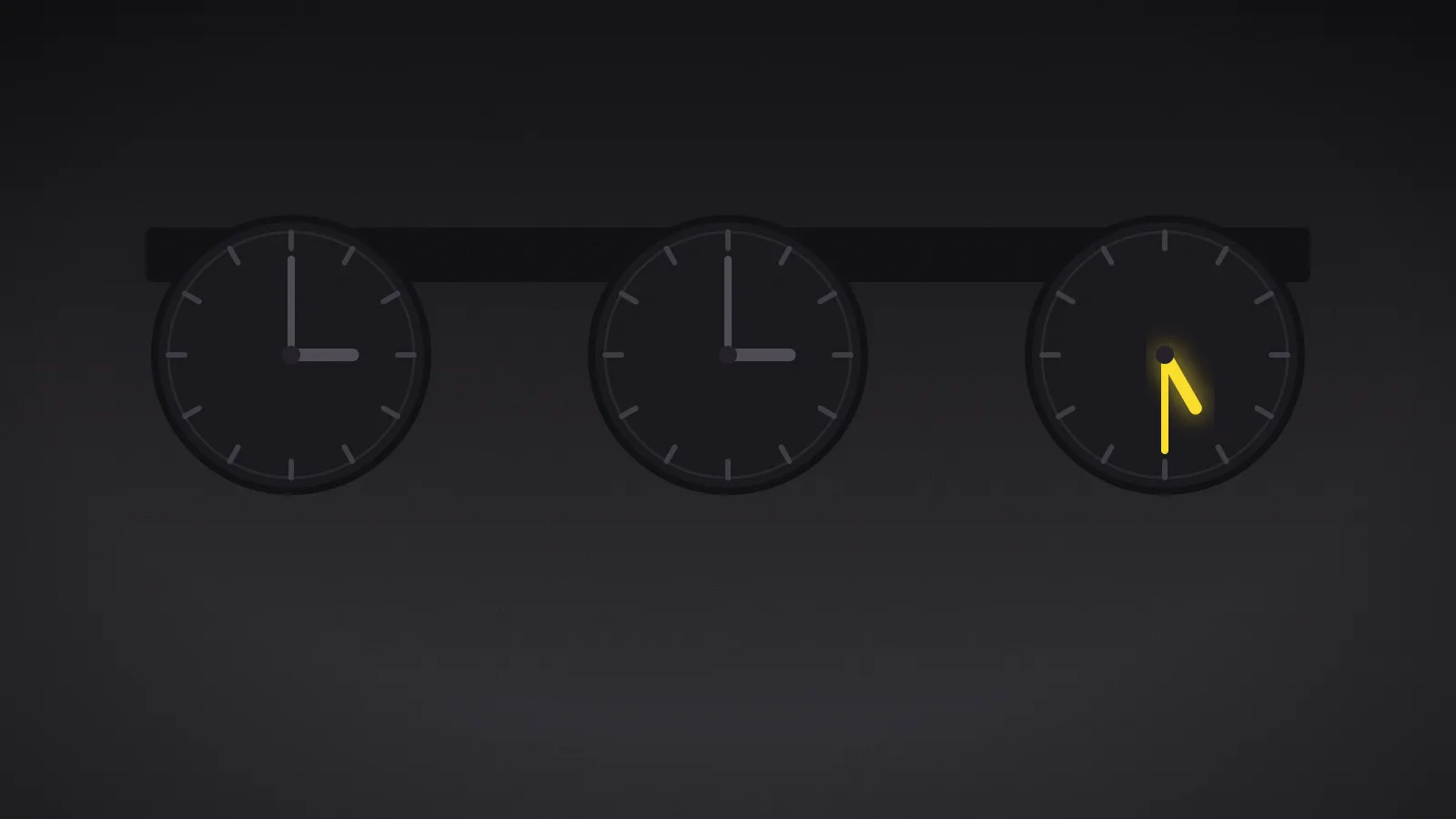
September 3, 2026. AWS shipped Aurora MySQL 8.4.8, and with it two replication features database teams have been waiting for: delayed replication and multi-source replication. The first is quiet — a replica that deliberately applies changes an hour late — but it solves an incident that nothing else covers: the accidental destructive statement. Why it matters: a DROP TABLE is not a fault. It is a valid statement, executed correctly and replicated faithfully to every copy you own within milliseconds. Only a delayed replica has not been told yet.
The failure nothing else covers
Ask what happens today if someone runs DROP TABLE against production at 14:12 and it is noticed at 14:40. The honest answer in most estates is a point-in-time restore: a new cluster, a wait proportional to database size, a cutover, and an RTO measured in hours during which the application is down or serving stale data.
The trap is that every high-availability mechanism reproduces the mistake. Multi-AZ does not help: the statement is already on the other instance. A read replica does not help either: it is replicated within milliseconds. Every copy you own has already applied the destructive statement. Delayed replication is the only copy that has not received the order yet.
A delay is not lag: it is a detection budget
The principle is simple. You set a delay — say 3,600 seconds, one hour — and the replica applies each change an hour after the source. It sounds like a defect until you understand the failure it addresses.
The gap between the two timelines is not lag. It is how long you have to notice. Set target delay to 3600 and you have just bought exactly one hour: inside that window the destructive statement exists on the source but has not reached the replica, and the entire recovery remains available. After it, the replica has applied the statement too, and you are back to restoring from a snapshot.
So the number is not a performance setting. It is the answer to a question most teams have never measured: how long does it take us to notice a destructive statement? An hour is the common default and is optimistic for corruption discovered through a downstream report. Twenty-four hours is defensible for a database whose damage only surfaces in the next day’s reconciliation — but it costs more, as we will see.
Recovery is three procedure calls
The documented sequence is short, and the middle step is the interesting one. It rests on three stored procedures:
-- 1. Stop replication before the destructive change is applied
CALL mysql.rds_stop_replication;

-- 2. Replay the binlog up to the position just before the damage
CALL mysql.rds_start_replication_until('binlog-file-name', position);
-- With GTID-based replication:
CALL mysql.rds_start_replication_until_gtid('gtid-identifier');

-- 3. Promote the replica to a standalone instance (via console or API)
The middle step is what makes this better than a point-in-time restore rather than merely faster. You are not picking a timestamp and hoping; you are replaying the binary log up to a named position and stopping there. And AWS emits a specific RDS event when the replica reaches that point, which makes the stop observable rather than inferred.
The operational gain lives in a clause AWS uses to describe the feature: recovery happens without performing a full database restore. The database is already running, already warm. That is the difference between an RTO in hours and an RTO in minutes.
The catch: a configuration invisible to IaC
This is where the feature can bite later, and the documentation states it flatly: delayed replication is configured by stored procedures only. Neither the console, the CLI, nor the RDS API exposes it.
Two calls depending on timing. Before creating replicas, run the following configuration on the source, and any replica created afterwards inherits it:
-- Sets the delay inherited by future replicas
CALL mysql.rds_set_configuration('target delay', 3600);
For a replica that already exists, stop replication, apply the delay, then start it again:
CALL mysql.rds_stop_replication;
CALL mysql.rds_set_source_delay(3600);
CALL mysql.rds_start_replication;
Because none of these is an API operation, the delay appears neither in Terraform state, nor in a CloudFormation template, nor in AWS Config, nor in any drift report. A replica rebuilt by a pipeline comes back with no delay, and nothing anywhere says so: the resource exists, it is healthy, and it is silently no longer the thing your recovery plan assumes. Add a scheduled check that reads the current delay and alerts if it is zero or absent — that is the only defense against this invisible drift.
Multi-source replication, the other change
Multi-source replication is a smaller but real story: a cluster can now replicate from several sources at once. AWS names shard merging and aggregating regional or departmental databases into a central location for reporting and backups as the target cases. In practice, it removes a category of ETL that exists only to move rows between MySQL instances.
What to put in place
Four rules avoid the most common failures, in descending order of how likely they are to be missed:
- Choose the delay from your measured detection time, not a round number. The delay is your detection budget; if nobody knows how long detection takes today, that is the first thing to measure.
- Do not give this replica a second job. No disaster recovery, no reporting, no read scaling: each of those wants current data, and this one is deliberately stale. Promoting the delayed replica during a region failure throws away the delay window.
- Alert on delay drift, not on lag. A delayed replica always looks lagged; the alarm you need is the one that fires when actual lag no longer matches the intended delay.
- Rehearse the replay-and-promote path. Finding a binlog position under pressure is the step that fails; rehearsing it costs nothing on the source.
There is headroom if you want several: up to 15 read replicas per instance in a single region. Two delays — one short for fast-noticed errors, one long for slow-noticed ones — is a defensible pattern where the data justifies it.
Verdict
If your worst realistic database incident is a bad statement rather than an infrastructure failure — which it is for most mature estates — and your current answer to DROP TABLE is a restore with an RTO in hours, adopt delayed replication: it converts that scenario to minutes for the cost of one instance. If your database is small enough that a point-in-time restore already meets your RTO, skip it: the dedicated instance is real money, and the gain is proportional to how long your restores take. If you operate in a regulated estate, note that the replica holds an earlier state of the data: a subject-erasure request executed on the source is, for the length of the delay, not executed on the replica.
Delayed replication is also one of the few controls that is effective against an insider with legitimate credentials: nothing in IAM distinguishes an authorised DELETE from a malicious one, but the delay gives you time to reach a different conclusion before the second copy is affected. That only holds if the delayed replica is reachable by fewer people than the source, and if its promotion sits behind the same approval as any other break-glass action.